> For the complete documentation index, see [llms.txt](https://blueskytechco.gitbook.io/alukas-shopify/llms.txt). Markdown versions of documentation pages are available by appending `.md` to page URLs; this page is available as [Markdown](https://blueskytechco.gitbook.io/alukas-shopify/theme-sections/instagram-shop.md).
# Instagram shop
{% hint style="success" %}
Step
1. From your admin, click to **Online store => Themes => Customize**
2. Add **Instagram Shop** section
3. Add new block and setup products
4. Click **Save** and you can see the result in frontstore
{% endhint %}
## Section settings
### Section header and General
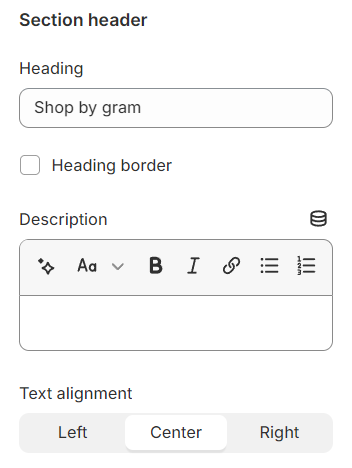
Use the provided text fields to add a suitable heading/subheading/description. Leave any of them blank if you do not want to display them.
Adjust the text alignment (left/center/right) along with the background color and container type.
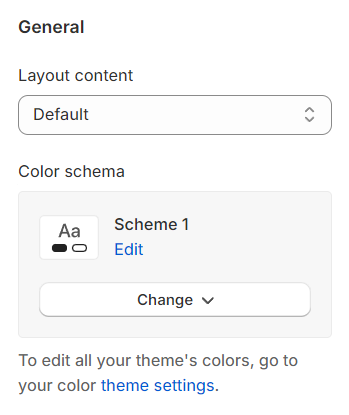
**Layout:** You can choose between Fluid Container, Stretch width, Full width for the layout or just leave it with the default layout of the video.
**Color schema:** You are allowed to change text color, background color, etc. with preset color.
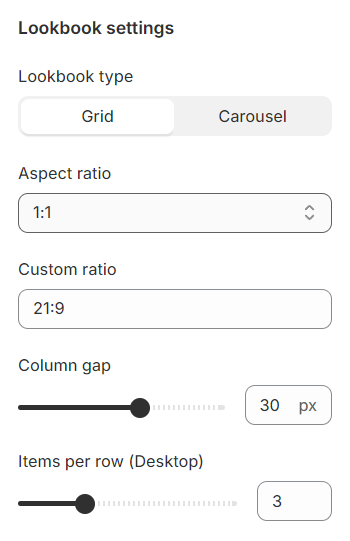
### Lookbook settings
Padding in the section allows you to specify the space between the slideshow and the preceding or following sections, or both.
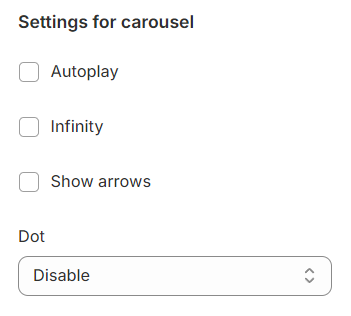
### Settings for carousel
**Autoplay / Infinite Play:** Enable this setting for the carousel to automatically scroll through items indefinitely, providing a seamless browsing experience.
**Show Arrows and Dots:** Activate arrows for users to manually swipe through carousel items and dots for a visual indicator of their position within the carousel.
Direct Navigation via **Dot:** Utilize dots to allow users to jump directly to a specific tab or item in the carousel, enhancing navigation efficiency.
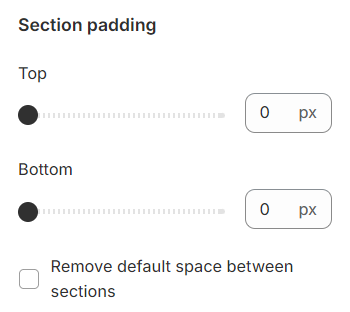
### Section padding
Section padding allows you to specify the space between this section and the preceding or following sections, or both.
## Blocks settings
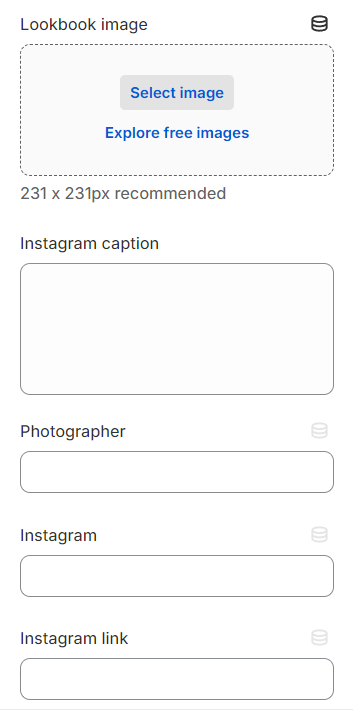
**Lookbook Image:** Select a thumbnail image that represents your lookbook visually.
**Instagram Caption:** Write a caption for the lookbook that captures its essence or theme.
**Photographer:** Credit the photographer responsible for the lookbook images.
**Instagram:** Provide a link to the collection featured within the lookbook for easy access.
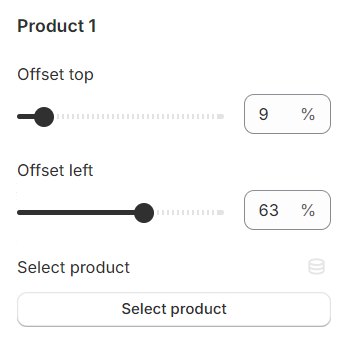
You can include up to 5 products within each lookbook, each marked by a plus sign. The position of these signs can be adjusted to precisely indicate where each product is featured within the lookbook image.