> For the complete documentation index, see [llms.txt](https://blueskytechco.gitbook.io/alukas-shopify/llms.txt). Markdown versions of documentation pages are available by appending `.md` to page URLs; this page is available as [Markdown](https://blueskytechco.gitbook.io/alukas-shopify/other-pages-settings/wishlist.md).
# Wishlist
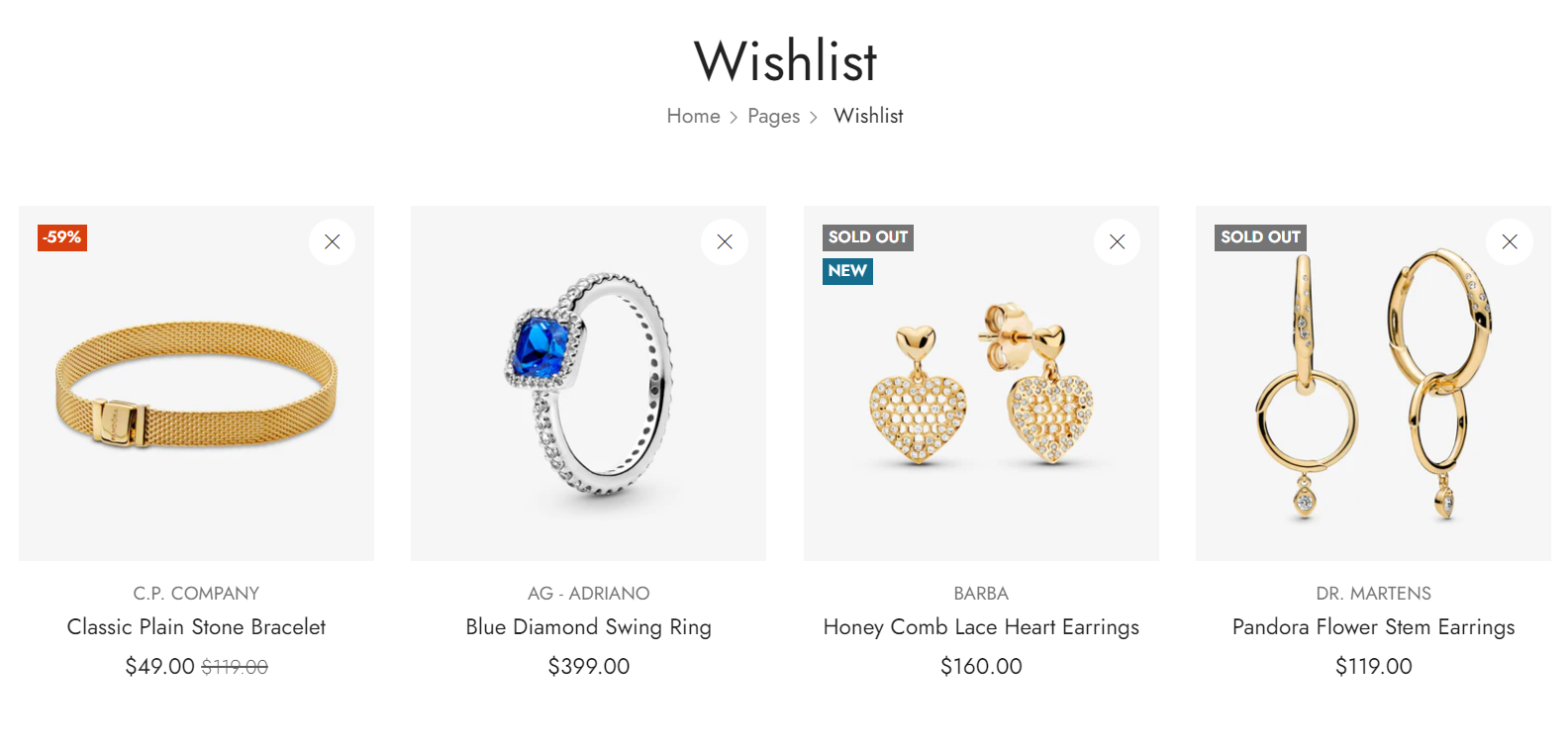
If you're looking for a way to increase sales on your Shopify store, then you should definitely consider adding a Wishlist page. This is a great way to allow customers to save items they are interested in.
{% hint style="success" %}
Steps
1. In the theme editor **(Customize)**, open the template selector
2. Select **Pages**, then **Wishlist.**
3. Make necessary changes
4. **Save**
{% endhint %}
## Section settings
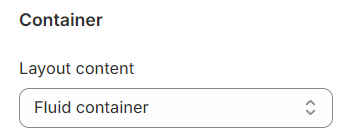
**Layout content:** You can choose between Fluid Container, Stretch width, Full width for the layout or just leave it with the default layout of the video.