> For the complete documentation index, see [llms.txt](https://blueskytechco.gitbook.io/alukas-shopify/llms.txt). Markdown versions of documentation pages are available by appending `.md` to page URLs; this page is available as [Markdown](https://blueskytechco.gitbook.io/alukas-shopify/theme-sections/custom-liquid.md).
# Custom liquid
An advanced feature that let you create your own section.
## Section header
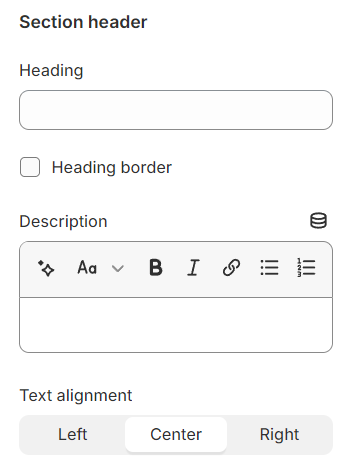
Use the provided text fields to add a suitable heading/subheading/description. Leave any of them blank if you do not want to display them.
Adjust the text alignment (left/center/right) along with the background color and container type.
## General
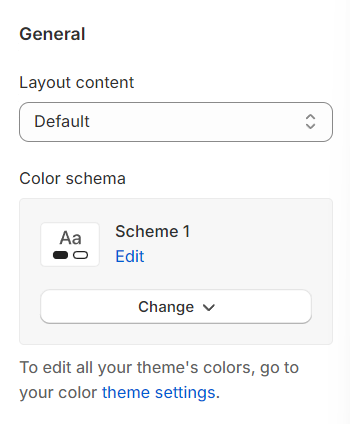
**Layout:** You can choose between Fluid Container, Stretch width, Full width for the layout or just leave it with the default layout of the video.
**Color schema:** You are allowed to change text color, background color, etc. with preset color.
## Content option
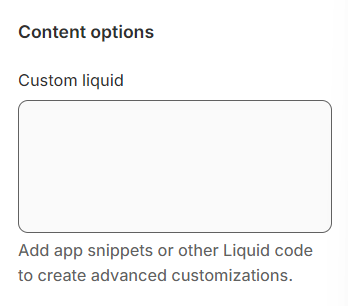
This is where you put your liquid code to custom your section.
## Section padding
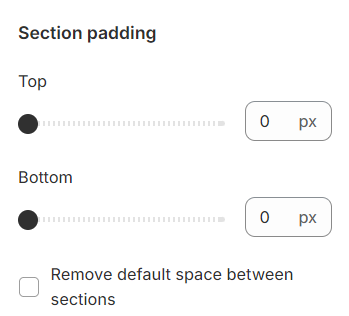
Section padding allows you to specify the space between this section and the preceding or following sections, or both.