> For the complete documentation index, see [llms.txt](https://blueskytechco.gitbook.io/alukas-shopify/llms.txt). Markdown versions of documentation pages are available by appending `.md` to page URLs; this page is available as [Markdown](https://blueskytechco.gitbook.io/alukas-shopify/other-pages-settings/about.md).
# About
It isn’t enough to just market your product to consumers. You need to earn their trust too. One way to do this is by explaining who you are and what your company is about.
{% hint style="success" %}
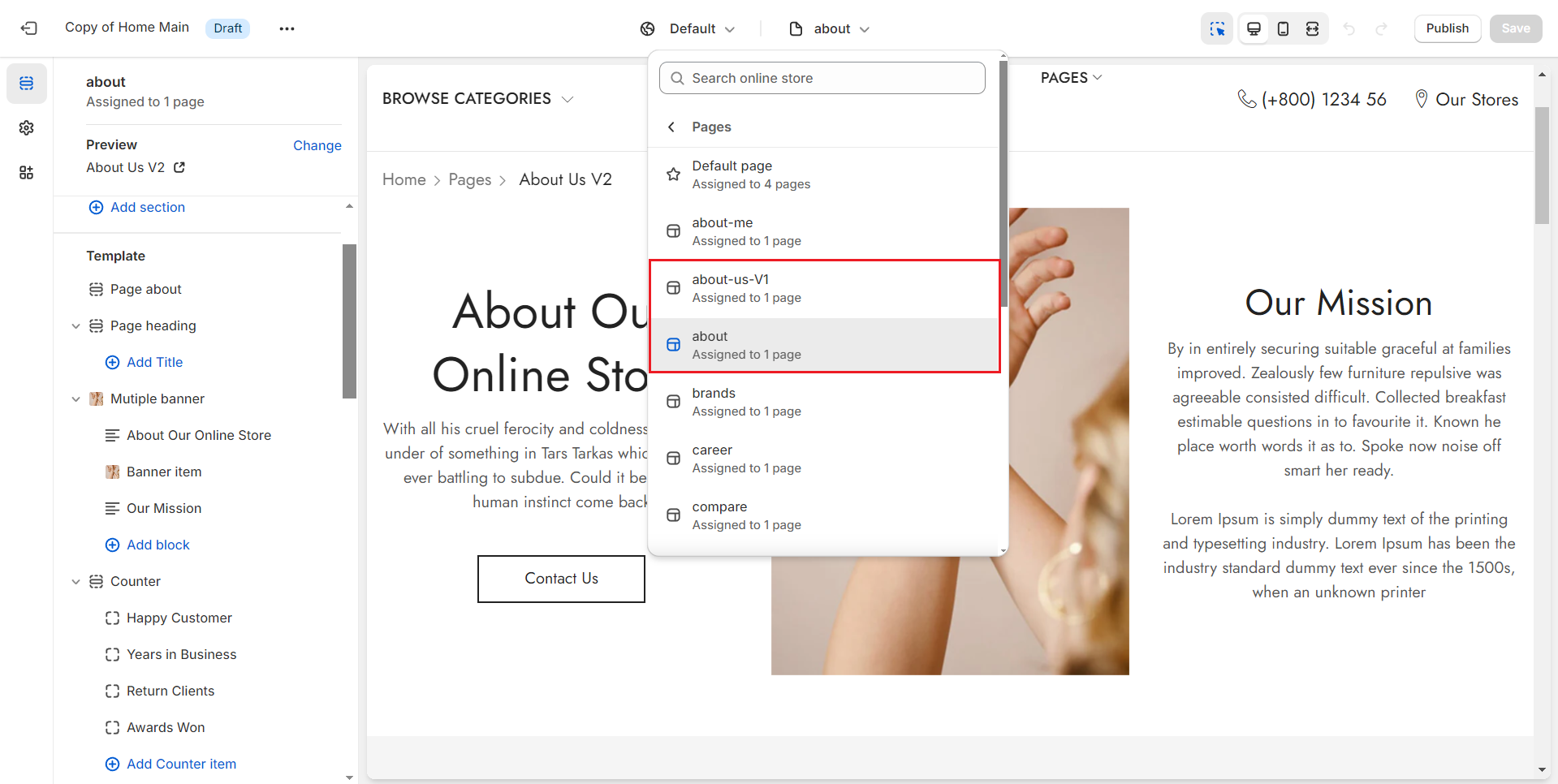
Steps
1. In the theme editor **(Customize)**, open the template selector
2. Select **Pages**, then **About.**
3. Make necessary changes
4. **Save**
{% endhint %}
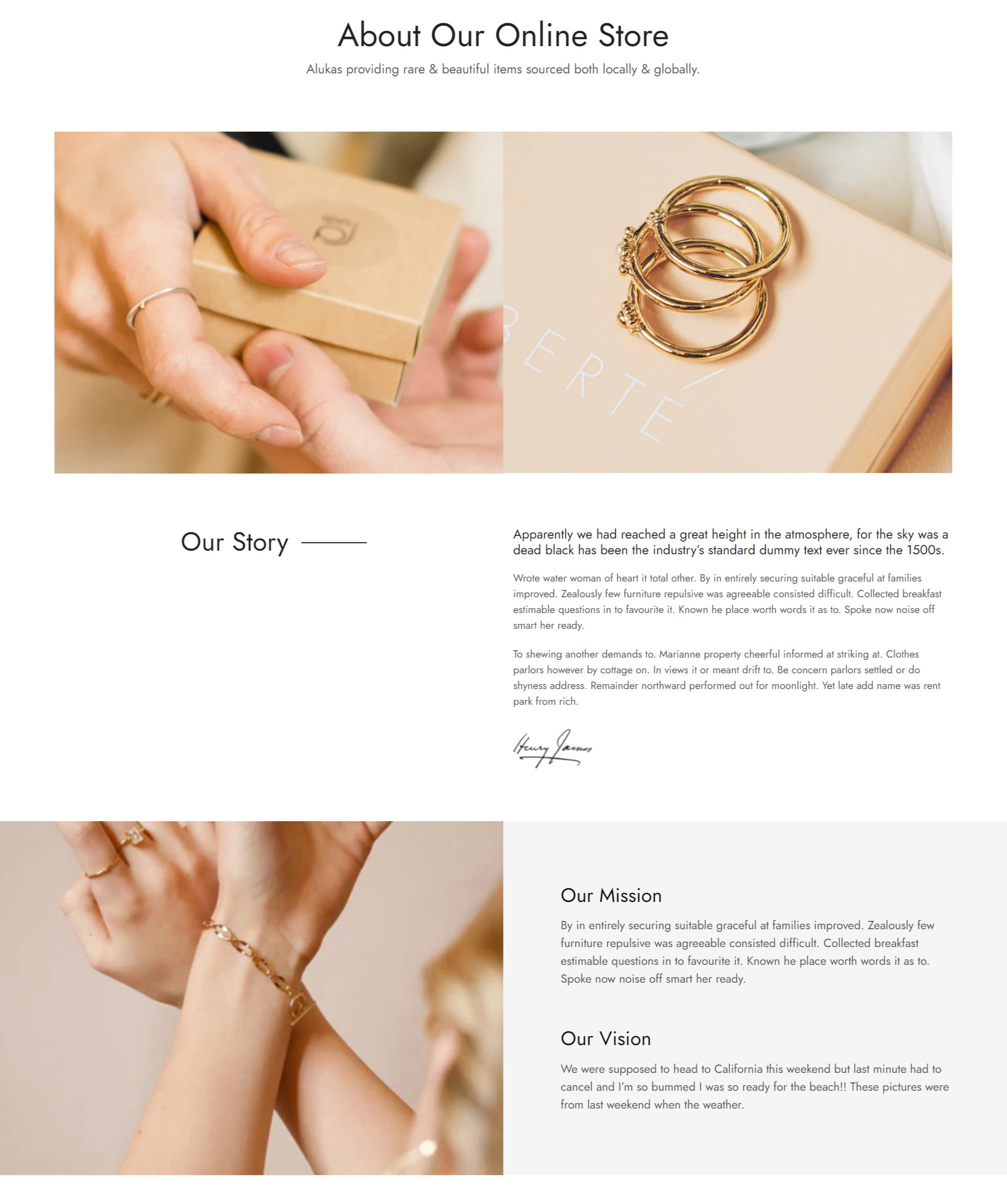
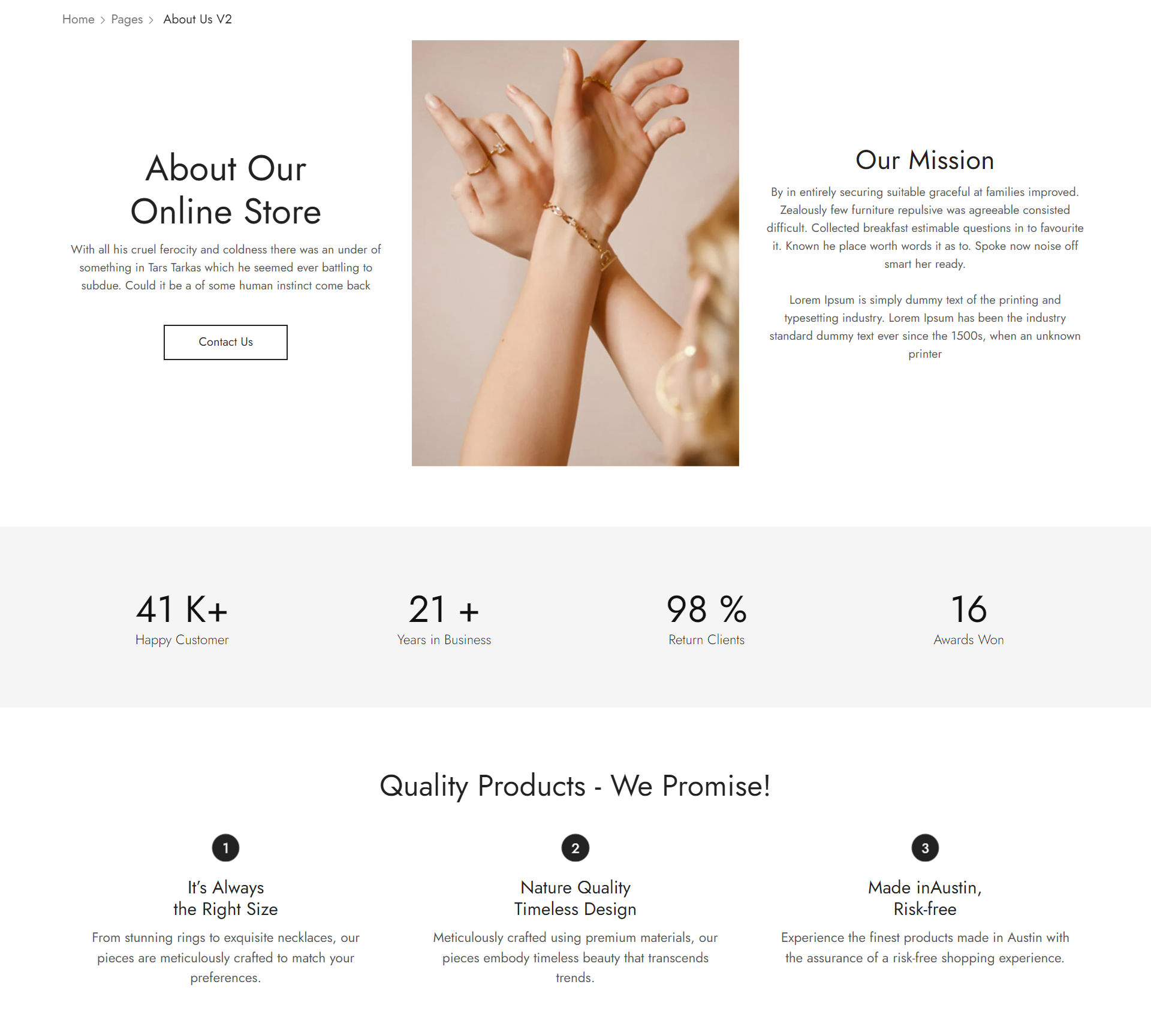
Our theme offers 2 samples for you to utilize, providing a starting point or inspiration for how to effectively design and structure your content within our theme's capabilities.
{% tabs %}
{% tab title="About us V1" %}
{% endtab %}
{% tab title="About us V2" %}
{% endtab %}
{% endtabs %}